 Byebird

What it does
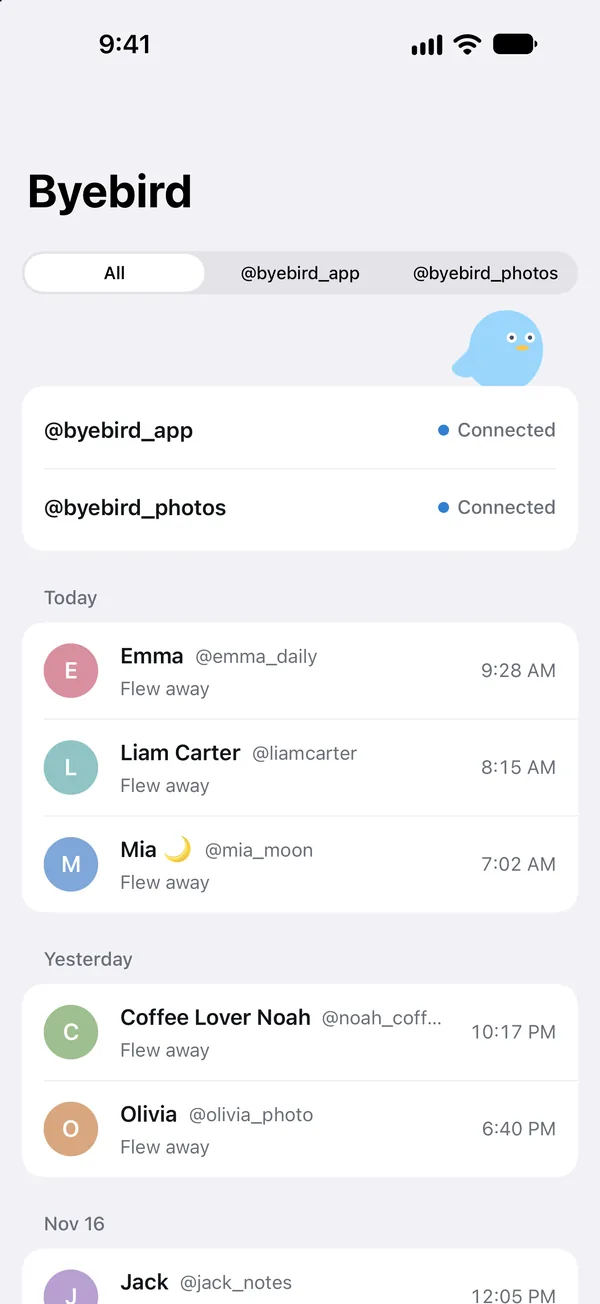
Alerts when it happens
No more comparing follower lists every morning. Byebird notifies you when the unfollow happens. The notification never shows the other person's name, so your lock screen stays private.
Who left, and when
Each entry keeps the name, username and time. Tap a name to open their X profile. Your history is stored only on your iPhone.
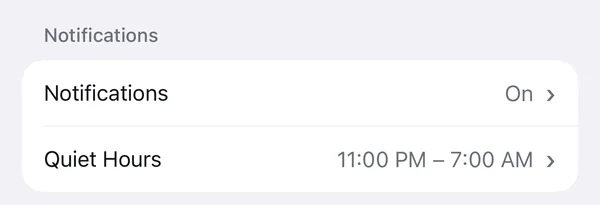
Quiet at night
Set quiet hours and Byebird holds alerts until morning, then sends one summary.
Getting started
- Get Byebird from the App Store.
- Tap “Connect and start” and sign in on X's own page.
- Pick a plan and allow notifications.
You type your password on X's page, so it never reaches Byebird. Tracking starts the day you connect.
What it can't do
- Tell an unfollow apart from a block or a “remove follower”
- Show who left before you started using it
- Work with accounts that have more than 1,000 followers
- Run on Android yet (coming soon)
Pricing
| Plan | Price | Includes |
|---|---|---|
 Free |
$0 | 30 days or 5 alerts, whichever comes first. Once per X account |
 Basic |
$2.99/month$19.99/year | 1 X account. Unlimited alerts |
 Premium |
$4.99/month$34.99/year | Up to 2 X accounts. Unlimited alerts |
U.S. prices; other countries vary. Basic and Premium renew automatically. Cancel anytime in your iPhone's Settings, under your name, then Subscriptions.
Questions
Will the other person know?
No. Byebird never posts to X or sends anything to anyone.
X's permission screen says “Read posts”. Is that OK?
X shows that item for every app that connects to it. Byebird doesn't read your posts or DMs.